
Recap: Fail Forward, Win Wireless: Metro Wireless CEO Tyler Hoffman on The Wireless Way
Chris Whitaker sits down with Tyler Hoffman, CEO of Metro Wireless, on The Wireless Way to talk bonded connectivity, managed Starlink, private cellular networks.
This page includes videos on use cases for our Dashboard
In this video tutorial, we will preview all the options available in our payment portal including viewing, paying invoices, adding and updating payment profiles with the options to Auto Pay Invoices.
If you already have been granted credentials by our team to login to the new Dashboard, navigate to dashboard.metrowireless.com and enter your credentials to login.
If you would like to have dashboard credentials created, please reach out to our support team and we would be happy to assist you support@metrowireless.com.
Chris Whitaker sits down with Tyler Hoffman, CEO of Metro Wireless, on The Wireless Way to talk bonded connectivity, managed Starlink, private cellular networks.
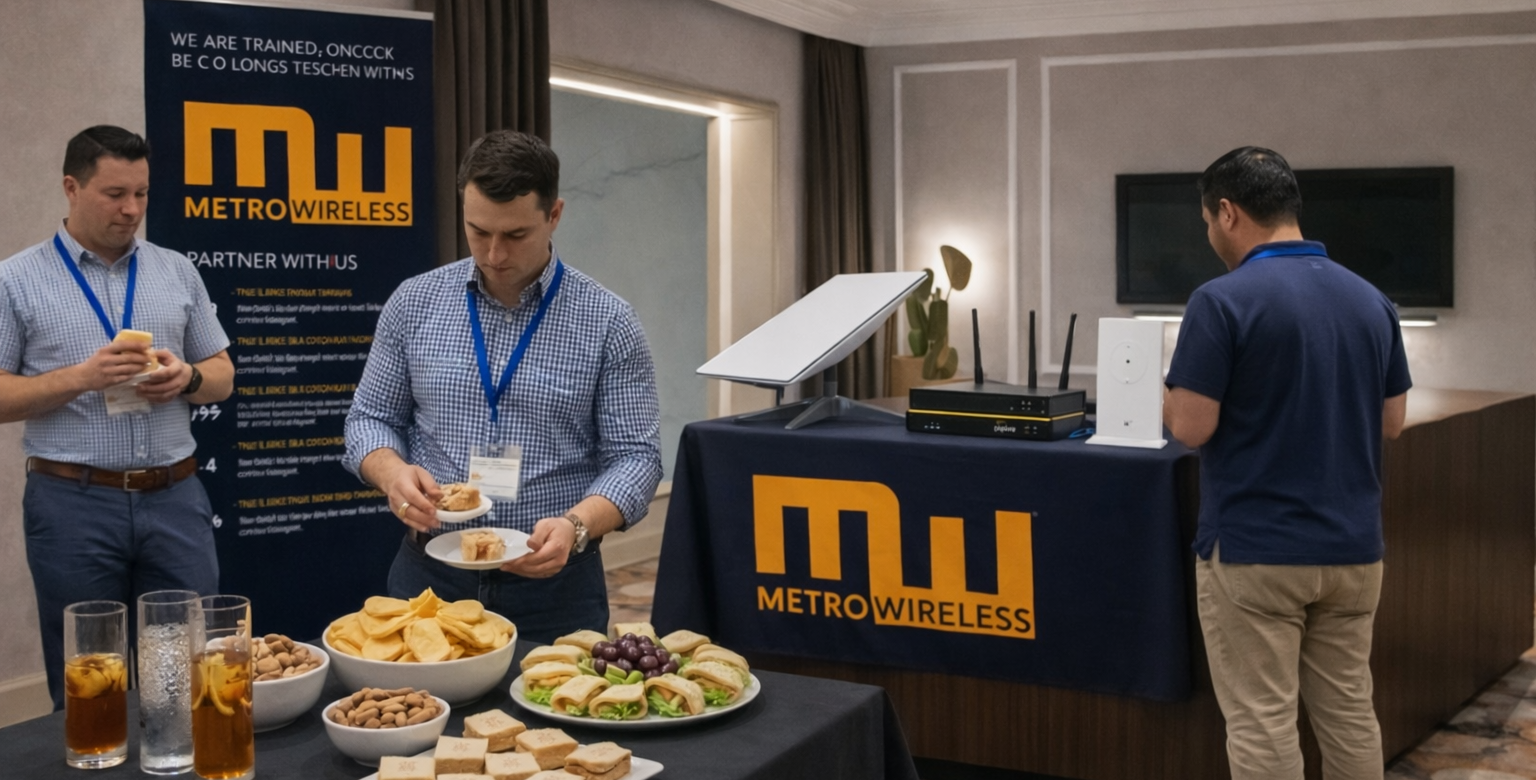
Inside the Wireless Wing Channel Partners Lounge: 120+ meetings, 3 days of powerful partnership conversations, and a setting everyone loved.
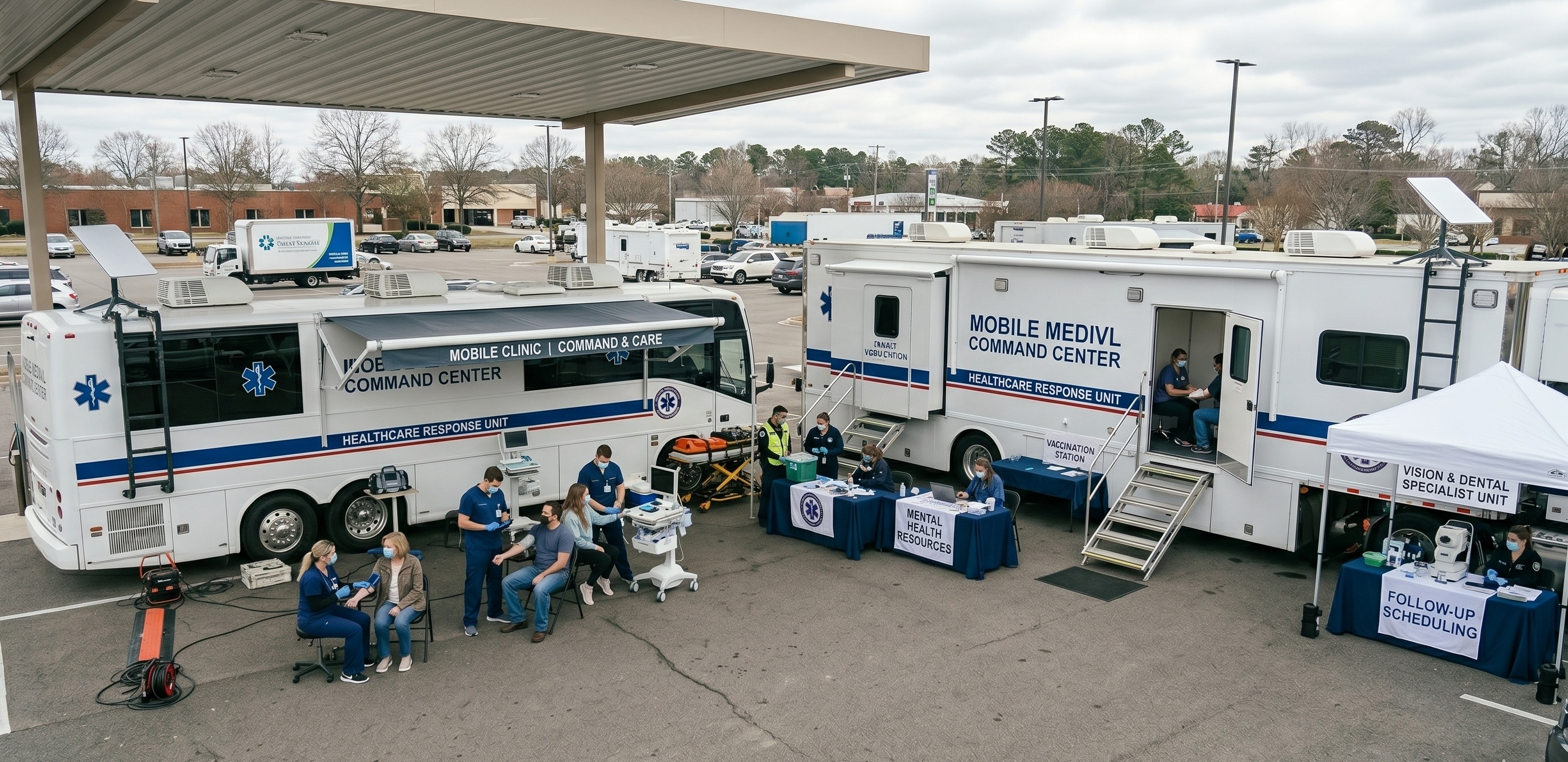
Empower mobile clinics and telehealth with Metro Wireless. Get secure, rapid-deployment connectivity for seamless patient care anywhere.


